Photo Reviews
Pro feature. Available in Listora Pro.
Availability: Pro only. Requires Listora Pro. Free sites support text-only reviews with star ratings.
What it does
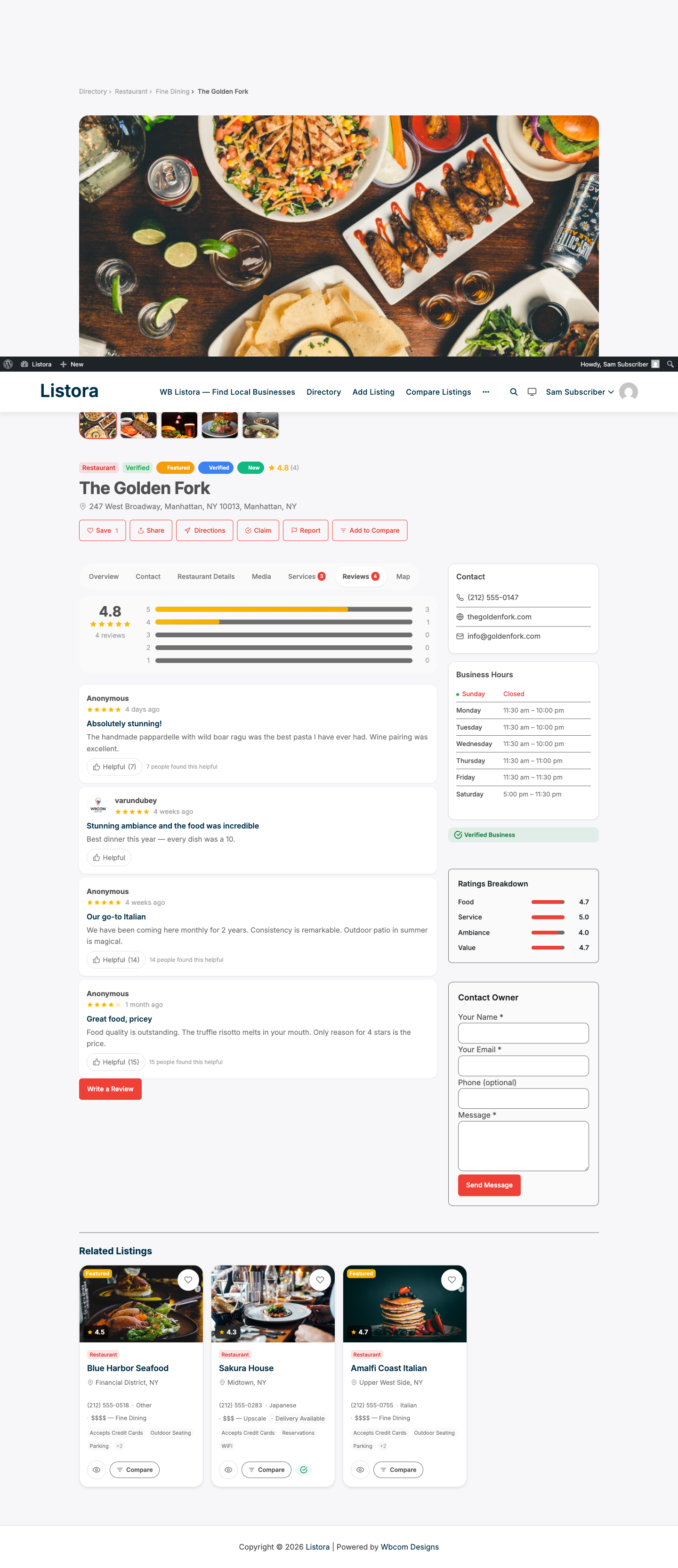
Photo reviews allow visitors to upload images alongside their written review. Photos appear on the listing detail page in a gallery within the review. Site owners can moderate photos before they go live.
Why you'd use it
- Visual reviews are more trustworthy and engaging than text alone.
- Food photos on restaurant reviews, room photos on hotel reviews - these drive more clicks to the listing.
- Photo moderation lets you remove inappropriate images before they appear publicly.
- Photo uploads go through WordPress's standard media handling, so images are stored in your media library.
How to use it
For site owners (admin steps)
Photo reviews are enabled automatically with Listora Pro. No toggle required.
Moderating photo reviews:
- Go to Listora → Reviews.
- Reviews with photos show a photo icon in the list.
- Open a review to see the uploaded photos.
- Approve or reject the review. Rejecting removes the photos from public view.
Image settings: Photo uploads respect your WordPress upload_max_filesize PHP setting. The accepted file types are standard WordPress image types (JPEG, PNG, WebP, GIF).
For end users (visitor/user-facing)
- Navigate to a listing detail page and click Write a Review.
- After the star rating and review text fields, an Add Photos upload button appears.
- Click Add Photos and select one or more images from your device.
- Preview thumbnails appear below the button. Click the × on any thumbnail to remove a photo before submitting.
- Submit the review. Photos are processed along with the review text.
- If the site requires review moderation, photos will be visible only after the review is approved.
Viewing photos: Approved photos appear in a thumbnail row within the review card on the listing detail page. Clicking a thumbnail opens a lightbox.
Tips
- Encourage photo reviews by mentioning them in your directory's onboarding emails to business owners and submitters.
- If you have moderation enabled, review photo submissions regularly - photos need the same moderation attention as text.
- Image file size: remind reviewers to upload reasonably sized images (under 5MB each) to keep upload times short. You can enforce this via server-side PHP settings.
- Photos are stored as WordPress attachments attached to the review's entry in the
listora_reviewstable. They are included in the review REST response.
TODO: Confirm the maximum number of photos per review and whether this is configurable in settings.
Common issues
| Symptom | Fix |
|---|---|
| Photo upload button not appearing | Confirm Listora Pro is active |
| Upload fails with an error | Check upload_max_filesize and post_max_size in your PHP configuration |
| Photos visible before approval | Check that review moderation is enabled under Listora → Settings → Reviews |
| Photos not showing after approval | Clear your site cache |