How to Migrate from Directorist to Listora
Switching from Directorist to Listora takes just a few clicks. Listora ships with a dedicated Directorist migrator that automatically transfers your listings, categories, locations, reviews, and custom field data. No exports, no spreadsheets, no manual data entry.
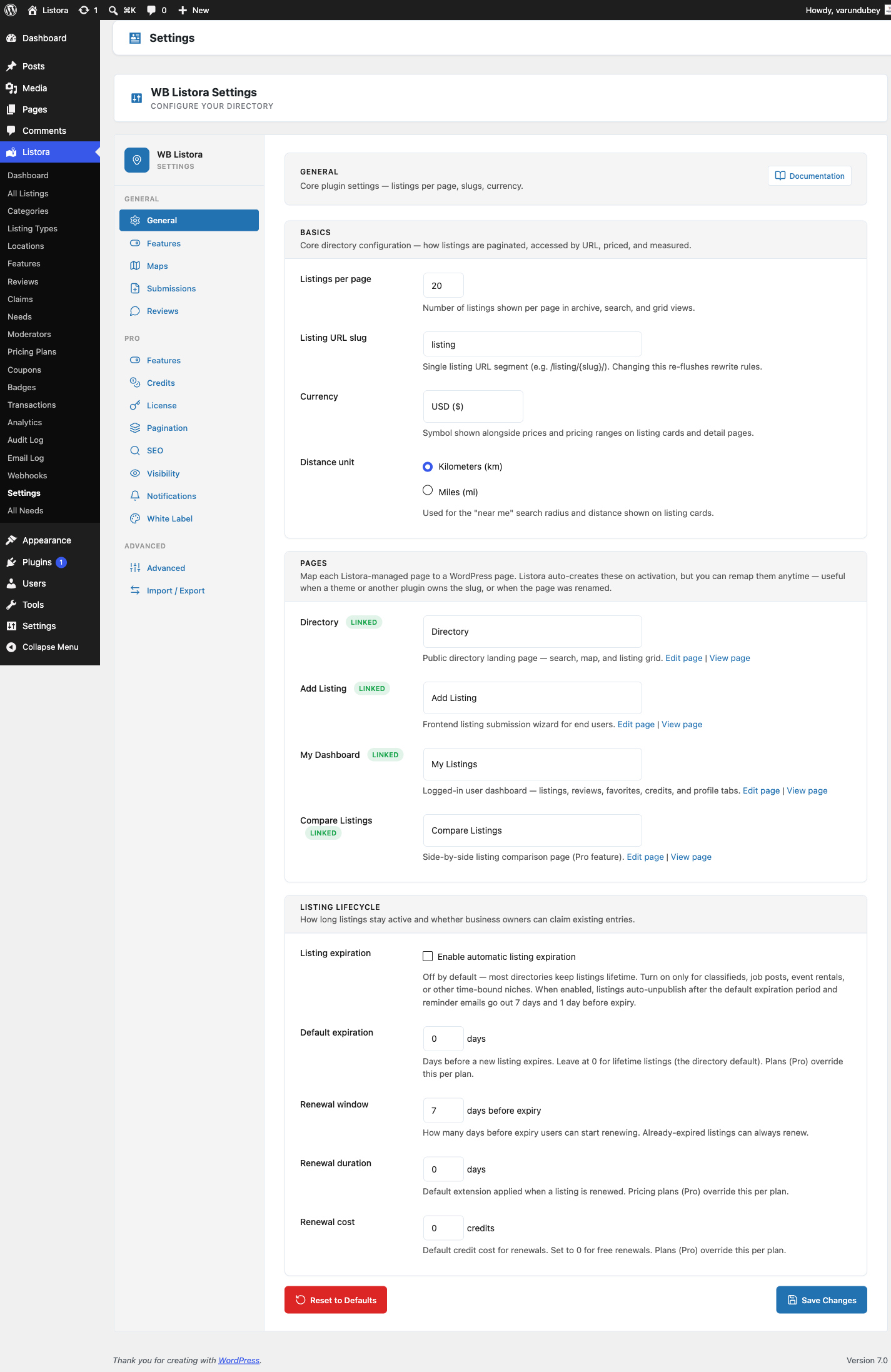
This guide covers the full migration process, what data is preserved, and the advantages you gain by moving to Listora.
Why Switch from Directorist to Listora?
Directorist is a capable directory plugin, but it relies heavily on paid extensions for features that many directory sites need from day one. It also depends on jQuery for its frontend interactions and uses shortcode-based layouts rather than native Gutenberg blocks.
Listora takes a different approach. It is built entirely on the WordPress Interactivity API - no jQuery dependency, no shortcodes. The frontend is fast, accessible, and works natively with the block editor. Features like reviews, claims, events, frontend submission, and an interactive map are included in the free version.
Feature Comparison: Directorist vs Listora
| Feature | Directorist (Free) | Directorist (Paid) | Listora (Free) |
|---|---|---|---|
| Listing types | 1 | Multiple via extension (~$39) | 10 pre-built types |
| Custom fields | Basic | Form builder via extension | Full field system per type |
| Reviews & ratings | Basic | Multi-criteria via extension | Star ratings, helpful votes, owner replies, moderation |
| Claim listings | Not included | Paid extension (~$39) | Included free |
| Frontend submission | Basic shortcode | Advanced via extension | Multi-step wizard with block editor |
| User dashboard | Basic shortcode | Enhanced via extension | Full dashboard block |
| Events | Not included | Not available | Calendar block included |
| Business hours | Basic | Enhanced via extension | Weekly schedule with "open now" filter |
| Map provider | OpenStreetMap | Google Maps via extension | OpenStreetMap with clustering, near-me, drag search |
| Search & filters | Basic | Advanced filtering extension | Two-phase FULLTEXT search with faceted counts |
| CSV import/export | Basic | Advanced via extension | Full import/export with column mapping |
| JSON / GeoJSON import | Not available | Not available | Included free |
| Block editor support | Limited (shortcode-based) | Limited | 11 native Gutenberg blocks |
| Interactivity API | No (jQuery-based) | No | Yes, zero jQuery |
| Schema.org | Basic | Advanced via extension | Automatic JSON-LD |
| REST API | Limited | Limited | 58 endpoints |
| WP-CLI | Not available | Not available | Full CLI commands |
Modern Architecture Matters
Directorist's reliance on jQuery and shortcodes means its frontend interactions often involve full page reloads or AJAX calls that load the entire jQuery library. Listora uses the WordPress Interactivity API, which provides instant search filtering, real-time faceted counts, and smooth map interactions without any external JavaScript dependencies. The result is a noticeably faster experience for your visitors.
Before You Begin
- Back up your database. Use your preferred backup tool or run
wp db exportfrom WP-CLI. - Keep Directorist data accessible. The migrator reads from Directorist's
at_biz_dircustom post type and its associated meta/taxonomy data. Directorist can be active or deactivated - the migrator checks for posts directly in the database. - Install and activate Listora. Complete the setup wizard to create your pages and configure listing types.
Step-by-Step Migration Guide
Step 1: Install Listora
Download Listora from the WordPress plugin repository and activate it. Walk through the setup wizard to set your default listing types, location format, and create the required pages (directory, submission, dashboard).
Step 2: Access the Migration Panel
Go to Listora > Tools > Migration in wp-admin. The migrator automatically scans for Directorist data by checking for the at_biz_dir post type. If data is found, you will see a "Directorist" card with the total listing count.
Step 3: Preview the Migration
Click the Directorist source to review what will be transferred:
- Listings - All published, pending, and draft
at_biz_dirposts. - Categories -
at_biz_dir-categoryterms mapped tolistora_listing_cat. - Locations -
at_biz_dir-locationterms and geo meta mapped to Listora's geo index. - Tags -
at_biz_dir-tagsterms preserved. - Reviews - Rating and review data migrated to
listora_reviewstable. - Images - Featured images and gallery attachments transferred.
- Custom field values - Directorist meta values mapped to Listora's field system.
Step 4: Start the Migration
Click Start Migration. The tool processes listings in batches of 50 to prevent timeouts. Duplicate detection ensures safe re-runs - already-migrated listings are skipped.
For large directories, use WP-CLI:
wp listora migrate --source=directorist --batch-size=100
Step 5: Verify and Reindex
After migration:
- Browse Listora > Listings to verify your data.
- Check individual listings for correct categories, locations, and field values.
- Rebuild the search index: Listora > Tools > Reindex or
wp listora reindex --all.
Step 6: Update Your Pages
Replace any Directorist shortcodes on your pages with Listora blocks:
| Directorist Shortcode | Listora Block |
|---|---|
[directorist_all_listing] |
Listing Grid block |
[directorist_search_listing] |
Listing Search block |
[directorist_add_listing] |
Listing Submission block |
[directorist_user_dashboard] |
User Dashboard block |
[directorist_all_categories] |
Listing Categories block |
Each block is configurable through the block editor sidebar - no shortcode attributes to memorize.
What Gets Migrated
| Data Type | Source (Directorist) | Destination (Listora) |
|---|---|---|
| Listings | at_biz_dir CPT |
listora_listing CPT |
| Categories | at_biz_dir-category |
listora_listing_cat |
| Locations | at_biz_dir-location + geo meta |
listora_geo table + location taxonomy |
| Tags | at_biz_dir-tags |
Post tags |
| Reviews | Directorist review meta | listora_reviews table |
| Images | Post thumbnail + gallery meta | Post thumbnail + gallery |
| Custom fields | Post meta values | Listora field index + meta |
What Does Not Get Migrated
- Directorist extension data - Pricing plans, payment history, and extension-specific settings are not migrated. Listora Pro handles monetization differently.
- Shortcode configurations - Since Listora uses Gutenberg blocks, shortcodes need to be replaced manually (see the table above).
- Form builder layouts - If you used Directorist's paid form builder, you will configure field groups through Listora's listing type system instead.
Frequently Asked Questions
Can I migrate with Directorist deactivated?
Yes. The migrator queries the database directly for at_biz_dir posts and associated meta. Directorist does not need to be active.
Does migration affect my Directorist data?
No. Migration is read-only. Your original Directorist listings remain untouched. You can safely run both plugins side by side during the transition.
Will my URLs change?
Yes - Listora uses its own listora_listing post type with different URL slugs. Set up 301 redirects from your old Directorist URLs (/at_biz_dir/...) to the new Listora URLs to maintain search engine rankings.
How do I handle custom fields I created in Directorist?
The migrator maps standard Directorist meta values to Listora fields. If you have custom fields unique to your setup, the meta values are still transferred as post meta. You can then register matching fields in Listora's field system to display them properly.
Is the Interactivity API really faster than jQuery?
Yes. The Interactivity API is built into WordPress core. It handles DOM updates with a lightweight reactive system, eliminating the need to load jQuery (90KB+) and additional AJAX libraries. Search filtering, map interactions, and form validation all happen instantly without page reloads.
Ready to Switch?
Download the free Listora plugin from wbcomdesigns.com and migrate your Directorist data with the built-in migration tool. You get 10 listing types, 11 Gutenberg blocks, a modern Interactivity API frontend, and features like reviews, claims, and events - all included at no cost.