Duplicate Check
Availability: Free + Pro.
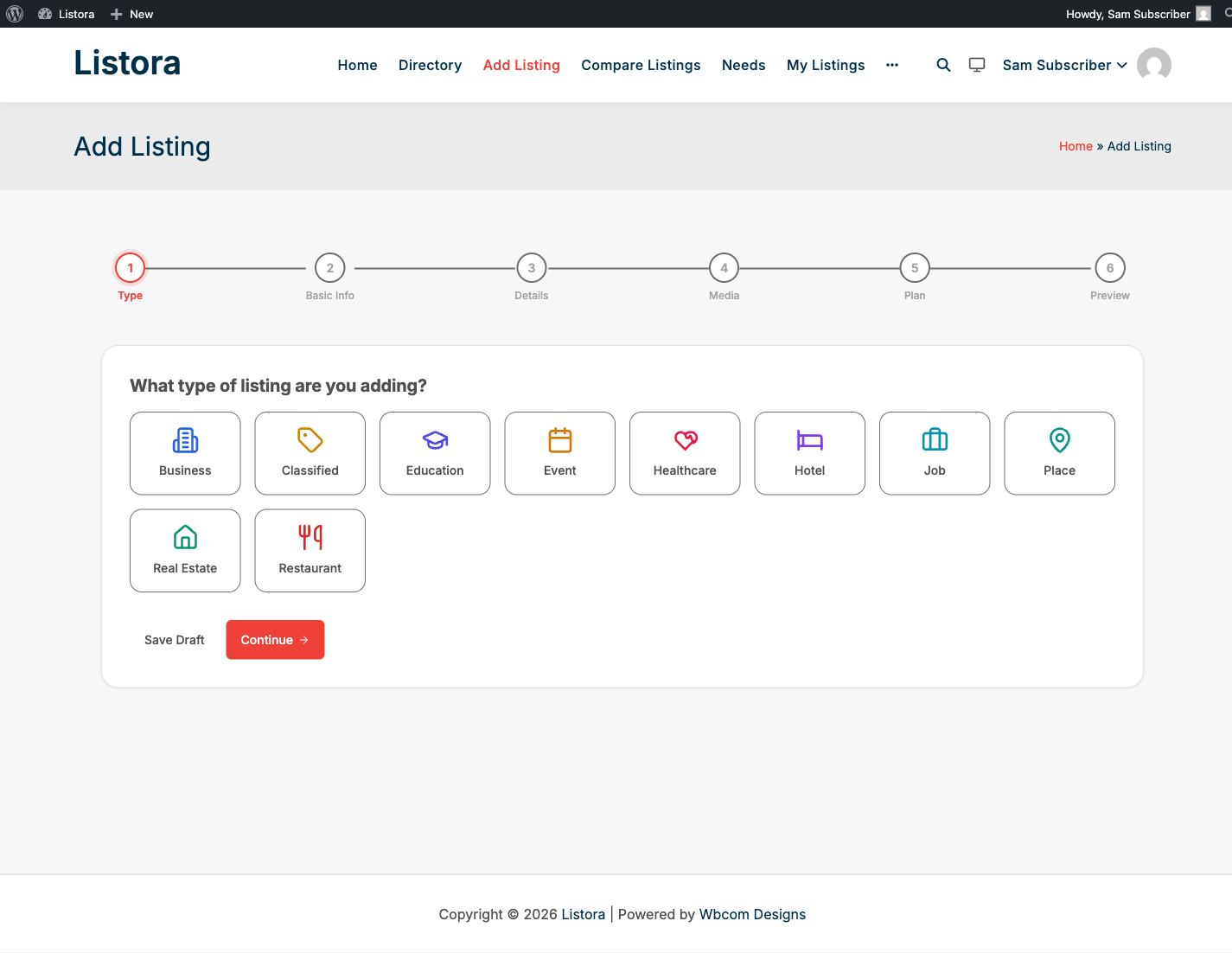
Prevent duplicate listings from polluting your directory before they're even submitted. When a listing owner types a title + picks a type during submission, the wizard quietly checks if a similar listing already exists - and if it does, shows a "Review duplicates" step with side-by-side cards so the owner can claim the existing listing instead of creating a duplicate.
What it is
Duplicate listings are the single biggest source of customer-support pain in directories: when the same restaurant or service shows up three times because three different users submitted it, search-relevance suffers, reviews are split, and moderators end up manually merging records.
Duplicate Check intercepts that at submission time:
- REST endpoint -
POST /listora/v1/submission/check-duplicateruns a fast, scoped query against thesearch_indextable for listings matching the title + listing type, optionally weighted by geographic proximity if the owner has set lat/lng. - Submission wizard integration - the wizard fires the endpoint after the Basics step. If matches come back, a Duplicate Review step is inserted ahead of the rest of the form.
- Side-by-side display - each potential duplicate shows as a card with title, type badge, address, and two actions: Claim this listing (jumps the owner into the claim flow for that existing record) or It's a different business (continues submitting their new listing).
- Geographic weighting - when both submission lat/lng AND the existing listing's lat/lng are known, matches within ~250m boost their score; matches further away score lower so a "Mario's Pizza" in Brooklyn doesn't suppress a new "Mario's Pizza" in Queens.
- Title similarity - uses MySQL
MATCH AGAINSTon the FULLTEXT search-indextitlecolumn, with a configurable minimum similarity threshold.
Why this matters: directories that rely on moderator merge-after-the-fact never catch up. Duplicate Check shifts the prevention to the submitter, who's the only person with full context ("is this my business or a different one with the same name?").
How you use it
As a site owner - no configuration needed
Duplicate Check is on automatically. To verify it's working:
- Open
/add-listing/in an incognito window (or as a test user). - Pick a listing type that already has at least one listing.
- In the Basics step, type the exact title of an existing listing.
- Advance to the next step. If a match was found, the wizard inserts a "Review possible duplicates" step.
If no duplicate step appears even on an exact-title match, check that the search_index table is populated (Listora → Settings → Advanced → Rebuild Search Index).
As a listing owner - what you see
When the wizard finds a possible duplicate:
- A new step appears: "We found a similar listing - is this yours?"
- Each candidate appears as a card with title, type, address, and an existing-listing screenshot.
- If it's your business - click Claim this listing. The wizard switches into the Business Claims flow; the existing listing is reassigned to you once an admin approves the claim.
- If it's a different business - click It's a different business and continue submitting. The duplicate-check step disappears.
- Override required for admins - admins can always proceed past the duplicate-check step (e.g. legitimately re-listing for a chain franchise).
Settings & options
| Setting | Location | Default | Notes |
|---|---|---|---|
| Endpoint | POST /listora/v1/submission/check-duplicate |
Always on | Public-write endpoint, nonce-protected |
| Similarity threshold | Hardcoded MySQL MATCH AGAINST weight |
(system) | Tunable via wb_listora_duplicate_threshold filter |
| Geo radius (boost) | Hardcoded 250m | (system) | Tunable via wb_listora_duplicate_geo_radius_meters filter |
| Max matches shown | 3 | - | Tunable via wb_listora_duplicate_max_matches filter |
Developer hooks:
wb_listora_duplicate_threshold(filter) - increase or decrease how strict the title match needs to be.wb_listora_duplicate_geo_radius_meters(filter) - change the boost radius (250m default).wb_listora_duplicate_max_matches(filter) - return more or fewer candidates.wb_listora_duplicate_check_results(filter) - modify the candidate list before showing in the wizard (filter out admins' own listings, etc.).
Related
- Business Claims - the flow Duplicate Check routes owners into when they recognize their own listing.
- Submitting a Listing - the full wizard Duplicate Check intercepts.
- Search & Filters - uses the same
search_indextable, so a well-indexed directory powers both search AND duplicate prevention. - Developer Reference: REST API -
/submission/check-duplicateendpoint shape.